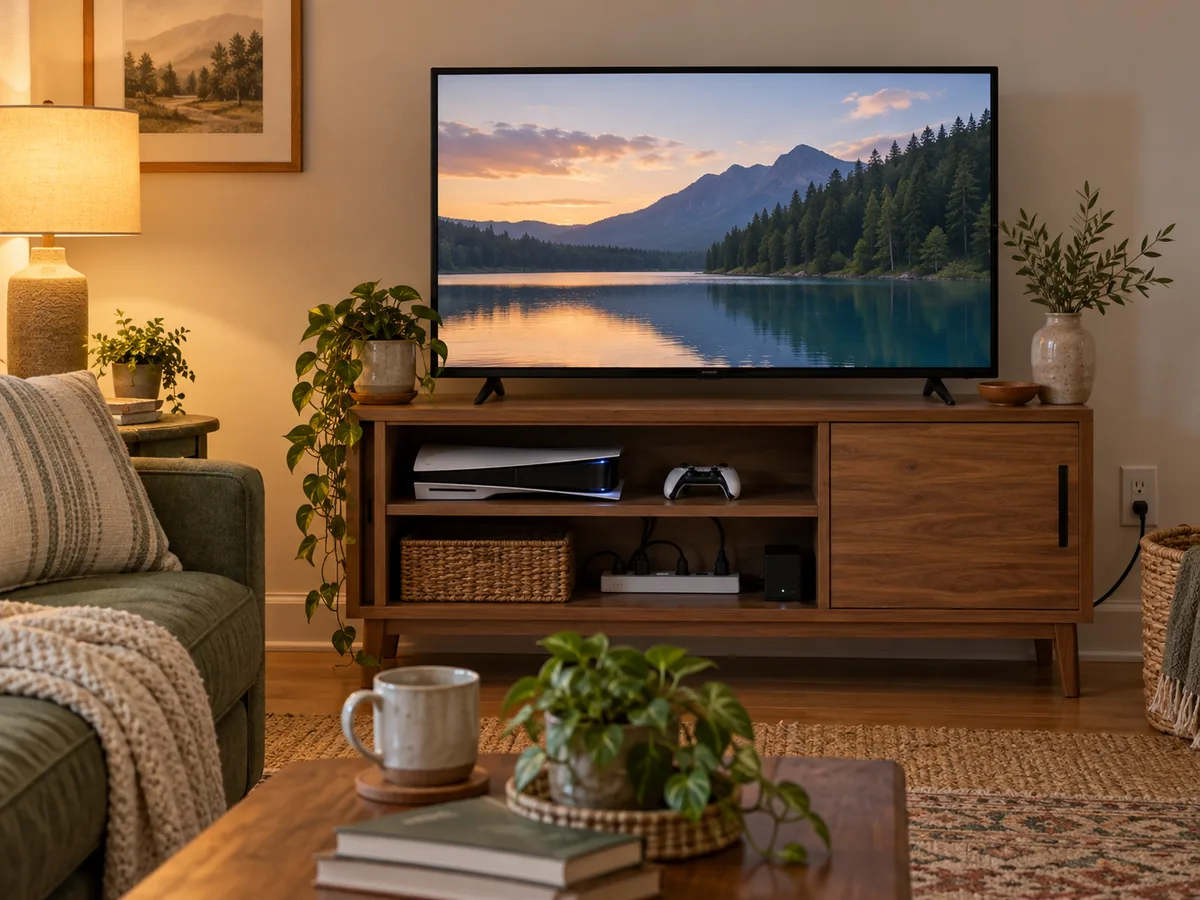
The short answer: Standby is a real operating state, but not every connected device behaves the same. Use the manual or a suitable meter to identify the state instead of treating every glowing light as a major load.
Before you start
Check the situation in front of you
Useful home guidance begins with the exact space, model, label, and routine you have. Make these checks before turning a general idea into a household habit.
- Do not disconnect medical, safety, network, sump, security, or temperature-control equipment without understanding the consequence.
- Read the manual for shutdown and update behavior.
- Use only listed measuring devices according to their instructions.
Try this at home
A practical route, one step at a time
Move through the sequence in order. Keep notes on what you observe, and change only one variable at a time when you want to understand the result.
- 1
Name the four states
Active means the device is performing its main job. Standby may preserve quick-start or remote functions. Network standby maintains a connection. Off can still draw power unless the device is physically disconnected.
- 2
Choose sensible candidates
Start with entertainment equipment, chargers, office accessories, or countertop devices that are easy to observe. Skip equipment whose interruption could create a safety, moisture, food, or connectivity problem.
- 3
Read before unplugging
Look for clock reset, software update, guide-data, memory, or shutdown instructions. A switch on a product or strip is a control; it does not tell you the actual energy use.
- 4
Measure long enough
A plug-in meter may show changing behavior as a device sleeps, wakes, or updates. Record the time window and state so one momentary reading is not mistaken for a daily average.
- 5
Decide by convenience and evidence
If the measured use is meaningful to you and interruption causes no harm, a switched strip or routine may help. If the device needs constant service, leave it connected and look elsewhere.
Make the result repeatable
Use what you noticed, not a perfect-looking setup
Begin with name the four states, because that establishes the condition you are actually working with. Then move through choose sensible candidates, read before unplugging, measure long enough. Those middle checks turn “distinguish active, standby, networked, and fully disconnected states before deciding whether a device is worth checking.” from a general idea into a sequence you can evaluate in your own home.
Give the change enough time to reveal a pattern, but do not keep adjusting several things at once. Write down the date, the room or device, the exact setting or arrangement, and what happened next. For equipment questions, add the model number and manual page. For room questions, add weather, time of day, and who was using the space. A small record is more dependable than memory after the next bill, load, or season arrives.
Finish with decide by convenience and evidence. If the result is useful, keep the smallest version that solves the problem and add it to the household notes. If it is inconvenient, inconclusive, or conflicts with an instruction, restore the starting condition. A reversible trial is still useful when it tells you which explanation or purchase does not fit. Keep the record with the matching bill, manual, room note, or shopping question so the next comparison begins with context instead of a fresh guess.
Good to know
Conditions, limits, and the point to stop
Never use a power strip as a substitute for needed receptacles, exceed ratings, daisy-chain strips, or place cords where they can be damaged. Stop using hot, loose, scorched, or damaged equipment.
Takeaway
Keep these four points
- Critical devices excluded
- Operating state named
- Manual checked
- Measurement window recorded
Sources and review
Where the factual guidance comes from
- U.S. Department of Energy — Energy Saver Guide (2022)Checked October 14, 2026
- ENERGY STAR — Smart Home Tips for Saving EnergyChecked October 14, 2026
- U.S. Consumer Product Safety Commission — Plug Into SafetyChecked October 14, 2026
Read our Editorial Standards or report a correction.